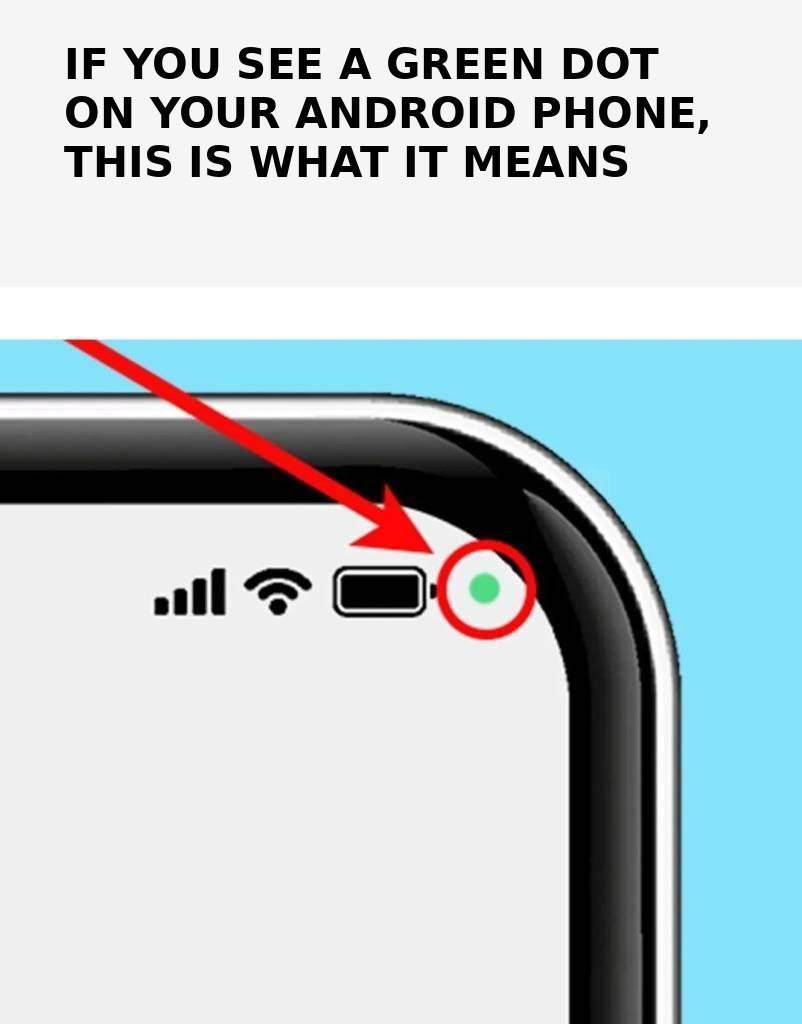
Unlike iPhones, which use green and orange dots to distinguish between functions, Android phones use a single icon for all of them. If you see a green dot, it means one of your open apps is using your device's microphone or camera. While this isn't a problem if you're actively using the camera, it can be concerning if you forget to grant camera or microphone access to an open app.
What should you do if you see a green dot?
According to Samsung, you can quickly find out which app is using the camera or microphone by following four simple steps. When the notification appears, an icon will show whether the alert is for the camera, the microphone, or both. This icon will then shrink to a dot in the upper right corner, next to other active indicators.